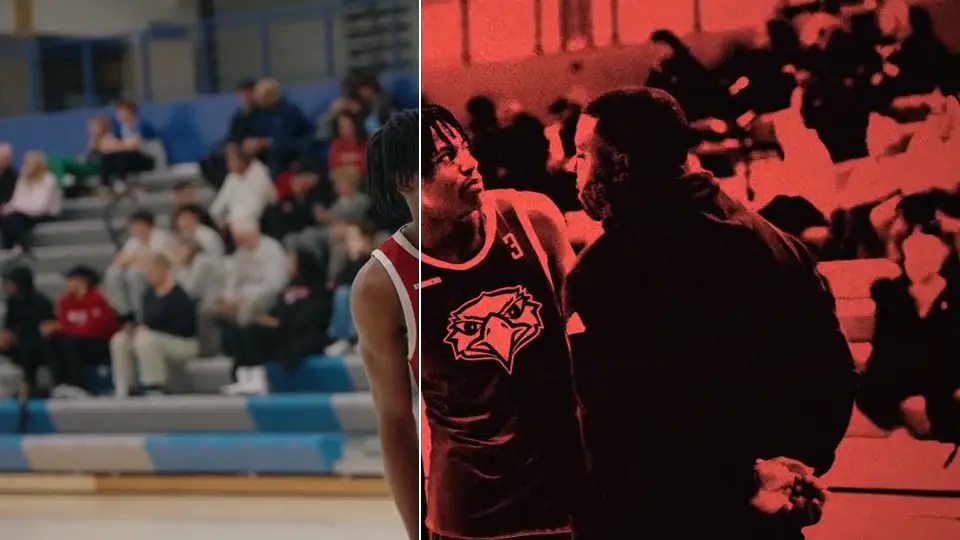
ROOK Pro Effects
173 impacts, shakes, flickers, datamosh, low shutter and whip effects for DaVinci Resolve, with 36 on-the-cut transitions.
Buy now: $50Instant download · One-time payment
Needs DaVinci Resolve Studio 19.1 or newer (the paid version). Won’t run on free Resolve.
439 people have bought from ROOK
Built for real editors
Speed up your workflow. Three steps from bin to timeline.
Drag it from the Power Bin
Pick the bin for your timeline frame rate and drop the clip on the track above your footage.
Pick the style from one dropdown
Every style in a family sits in the Inspector, so you never grab the wrong file.
Put the peak on the cut
The name tells you the peak frame. Line it up with your cut and it hits on the play.
Set the strength
Low Shutter on a running clip. Slide from raw to Light to Heavy.
173 effects, 7 families
Effects that go on a cut carry their length and peak in the name. “Whip Clean (6f 3p)” is 6 frames long and hits hardest on frame 3.
- Impacts53Red flash hits, X-ray and thermal hits, warp impacts (ripple, shockwave, jelly wobble, heat haze, pinch), blur flashes, chaos stutters, target boxes, glints.
- Shakes46Handheld, impact, rattle, bounce, earthquake, rotation whip, zoom pulse and build-up, from subtle to extreme.
- Transitions36Dissolves 5, Particle Dissolves 9, Push 4, Mosh Cut 11, NAD 5, Crash Zoom, Smooth Cut. They drag on from the Effects panel.
- Flickers11Strobe and colour flickers for the beat.
- Datamosh11Adjustment-clip datamosh you drop over any cut.
- Low Shutter9The smear you just dragged above, at nine strengths and styles.
- Whips7Whip pans that land on the cut.
- Bonus2ROOK Corner Badge and ROOK Glitch Tear Overlay.
21 Power Bins: Impacts, Shakes, Flickers, Datamosh, Low Shutter, Whips and Bonuses, each at 24, 30 and 60 fps.
Why ROOK
Works on any footage
Built on real game footage, where motion is fast and cuts land on plays. The effects sit on an adjustment clip above your shot, so they work the same on a wedding, a car or a skate clip.
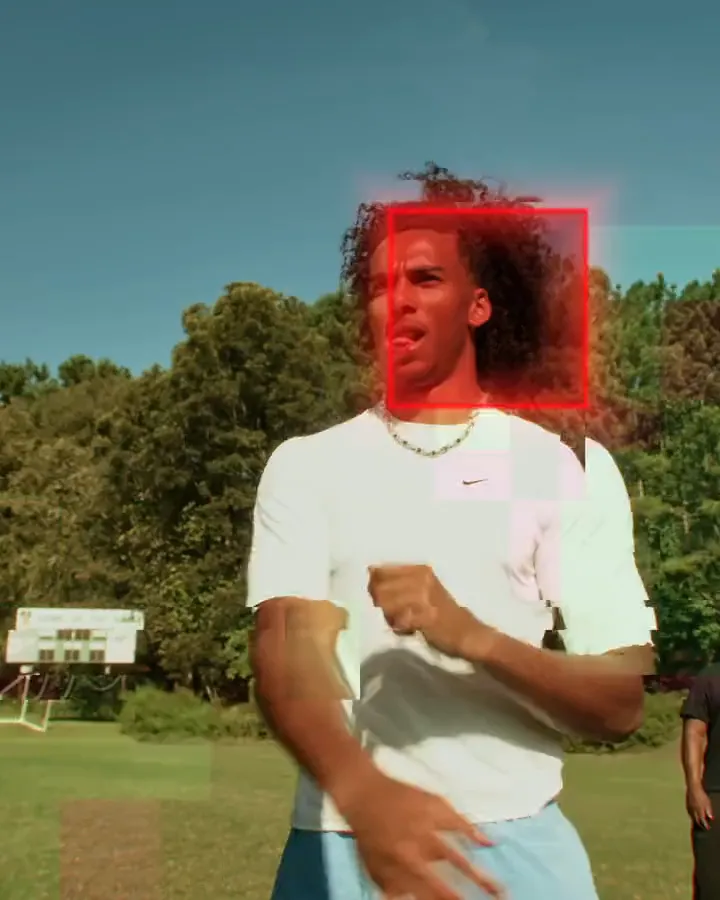
Get it in Pro Editor
Pro Effects plus every other ROOK Resolve pack and the Powergrade. $19 more than Pro Effects on its own. $120 if you bought the packs separately.
See Pro Editor: $69FAQ
Which frame rates?
24, 30 and 60 fps. The names change with the rate: “6f 3p” at 24 is “8f 4p” at 30 and “15f 8p” at 60. The bins handle that for you.
What does “6f 3p” mean?
6 frames long, peaks on frame 3. Put frame 3 on the cut. “1p” fires on the cut and trails after it. No “p” means a whole-shot look or a flicker; centre it by eye.
Do I need DaVinci Resolve Studio?
Yes. The effects need DaVinci Resolve Studio, the paid version. They won’t run on the free version of Resolve.
Mac or Windows?
Both. The install guide has the folder paths for each.
Can I use it on client work?
Yes, on anything you edit. Don’t share or resell the files.
Do I get updates?
Yes, free, for life. Download the new version from your Payhip link, unzip over the old one, restart Resolve, then delete the old bin and import the new one.
No refunds. These are digital files, so once they are downloaded the sale is final.