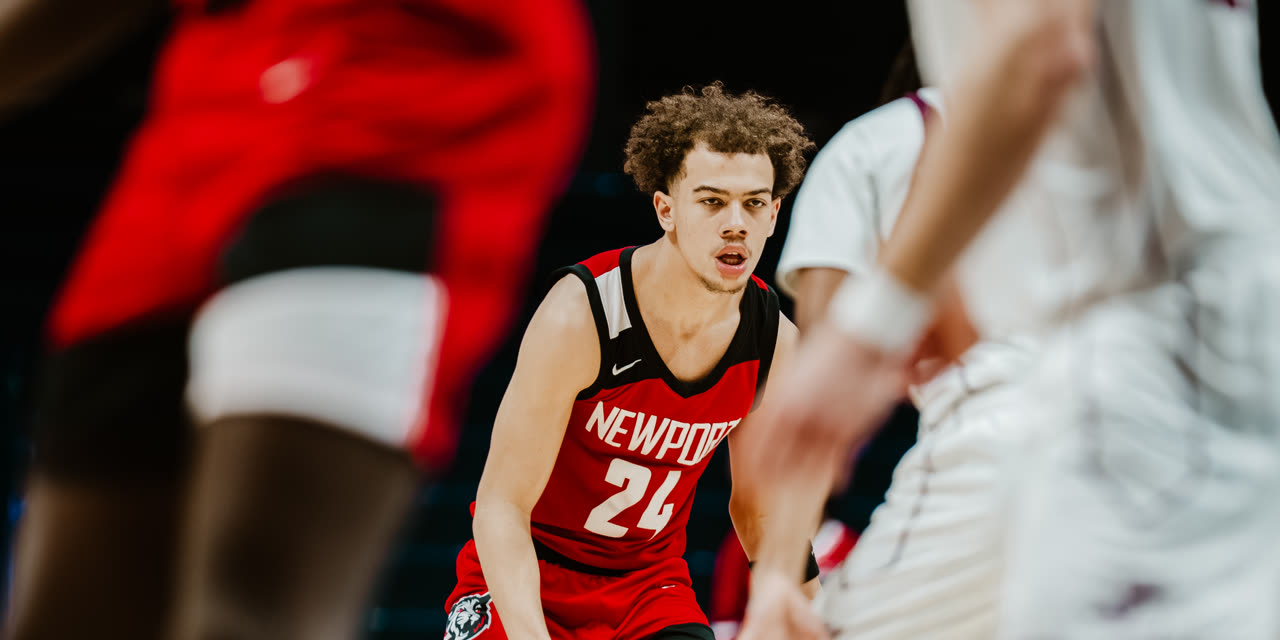
Proof First
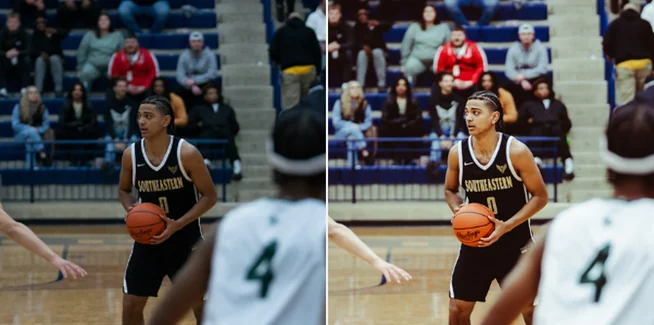
Drag The Handle. See The Difference.
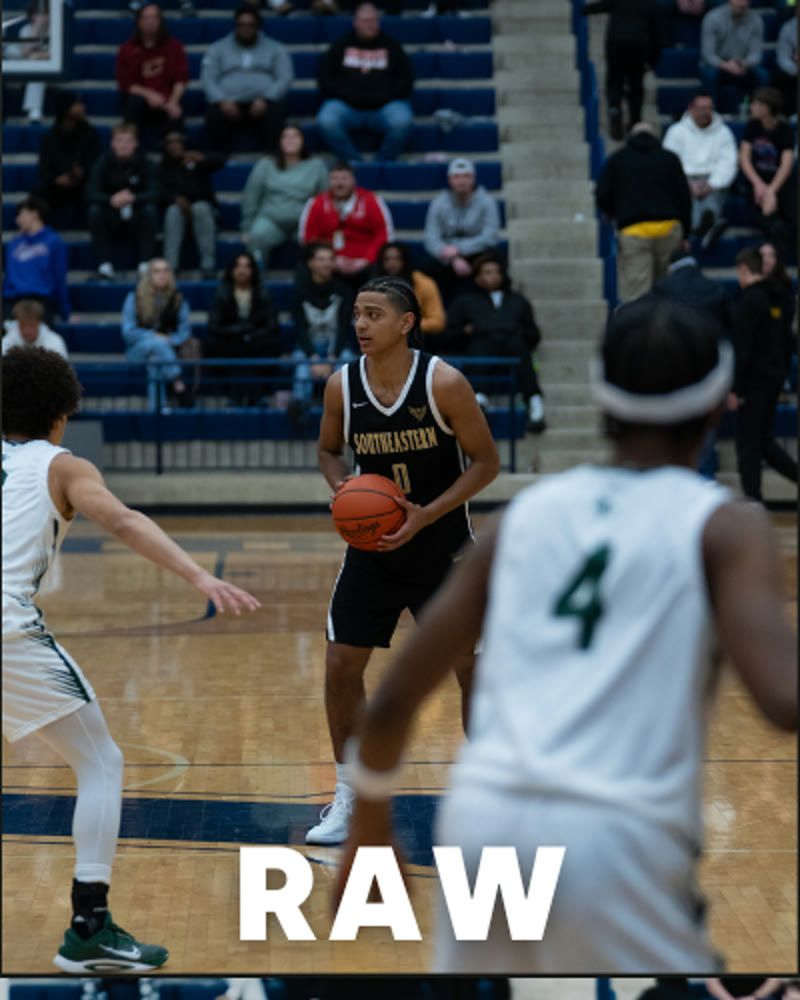
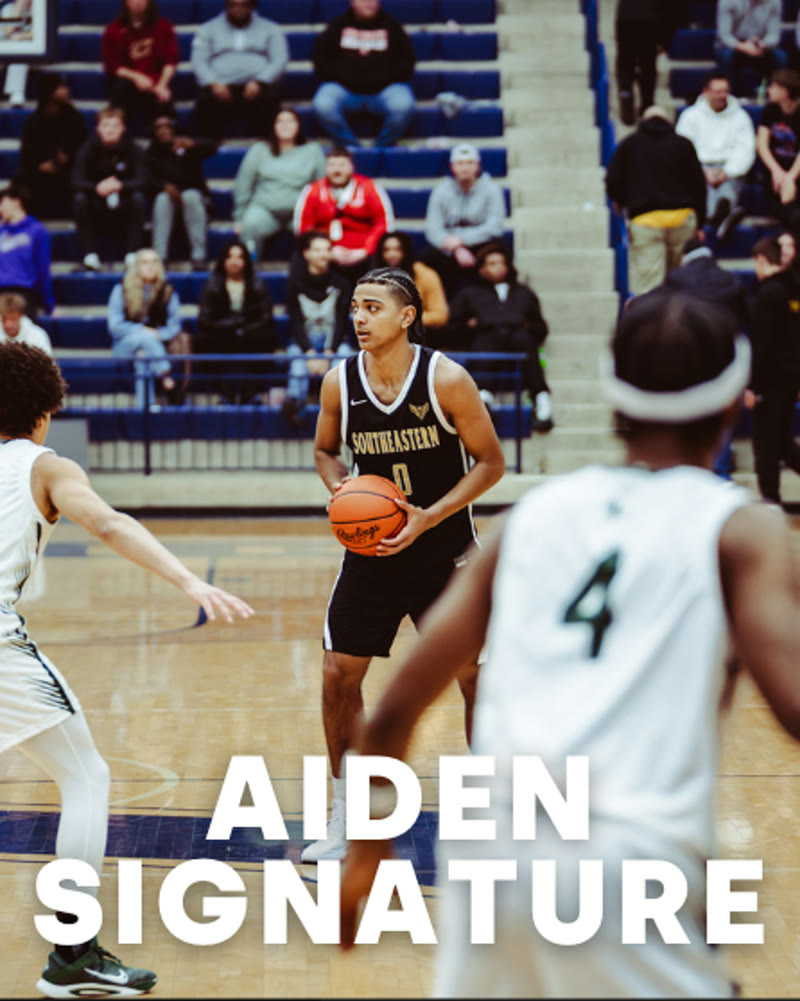
RAW vs. Aiden Signature. Same shot.
How It Works
Downloaded To Edited In Three Steps.
- 01 Download the 12 files Your download page opens the second you pay, and it’s emailed to you too. Each preset is its own .xmp file — tap Download on each and save them to your phone.
- 02 Import them into Lightroom In the free Lightroom app: Presets, then Yours, then Import Presets. On desktop it’s File, then Import Profiles & Presets.
- 03 Tap one and export Open a game shot, tap a preset, export. Tweak it if you want to. Most people don’t.
Get The Pack
Rook Sports V2 Preset Pack
One-time purchase. Yours forever.
Buy Now — $30- Instant download
- Works in the free Adobe Lightroom app on your phone
- Use on unlimited photos, client work included
Twelve preset files, delivered to your email the second you pay.
What You Get
Everything In The Pack
Every look is a one-tap Lightroom preset. Apply it, tweak it if you want, export. That’s the whole workflow.
- The ROOK Signature — V2The look that built the brand, rebuilt from scratch. Cleaner skin tones, deeper contrast, same identity.
- The V2 RebuildsROOK Signature V2, Aura B&W V2, Cinematic B&W V2, Dark Gym Fix V2, Outside Best V2 — the originals, remade stronger.
- The Rest Of The TwelveColor Pop Indoors, Styled Black and White, Cinematic Look, Filmic Preset, Desaturated Look, Film for Flash, and Aiden Signature — the looks in the video.
- Tuned For Sports PhotosBuilt on real game shots — gyms, fields, courts — so the look holds up where you actually shoot.
Who Made These
Built By Someone Who Shoots The Games.
- 123orders of the Sports V2 pack so far.
- 452orders across every ROOK pack since launch.
- $12,914in sales, all of it to photographers and editors.
Made by Aiden, ROOK’s co-founder, on his own game shots. Every preset is tuned on real sports photos — gyms, fields, courts — not on stock images in even light.
“nba need them mf presets 😭”— @shotbyballer, under an @nbaonespn post
See It Work
From RAW Shot To Signature Look In One Tap
Questions
FAQ
Do I need to pay for Lightroom?
No. The free Adobe Lightroom app on your phone can import these and apply them — Presets, then Yours, then Import Presets. You only need a paid Adobe plan if you want your edits syncing between your phone and a desktop.
How do I install it?
On your phone: open the free Lightroom app, go to Presets, then Yours, then Import Presets, and pick the files. On desktop: File, then Import Profiles & Presets. From download to editing your first photo is a few minutes, not an afternoon.
What photos does it work best on?
Sports photos — that’s what every preset is tuned on. Gym shots, outdoor games, training sessions, portraits on the court. The V2 rebuilds and the 7 new looks cover the lighting you actually shoot in, from dim gyms to full daylight.
Can I use it on client work?
Yes. Your license covers unlimited personal and commercial projects — client shoots, paid gigs, monetized content. The only thing you can’t do is resell or redistribute the files themselves.
What if I have issues?
Reach out through the store or DM us on Instagram/TikTok and we’ll get you sorted. Most install issues are fixed by saving all 12 .xmp files first, then importing them together, or by a Lightroom restart.
Can I get a refund?
No — all sales are final. These are instant digital downloads, so once the files are yours they’re yours. If something won’t install, message us and we’ll fix it with you.
All sales are final. Instant digital download, no refunds.
Want every ROOK photo pack? Get the ROOK Photo Kit — $45 and save.