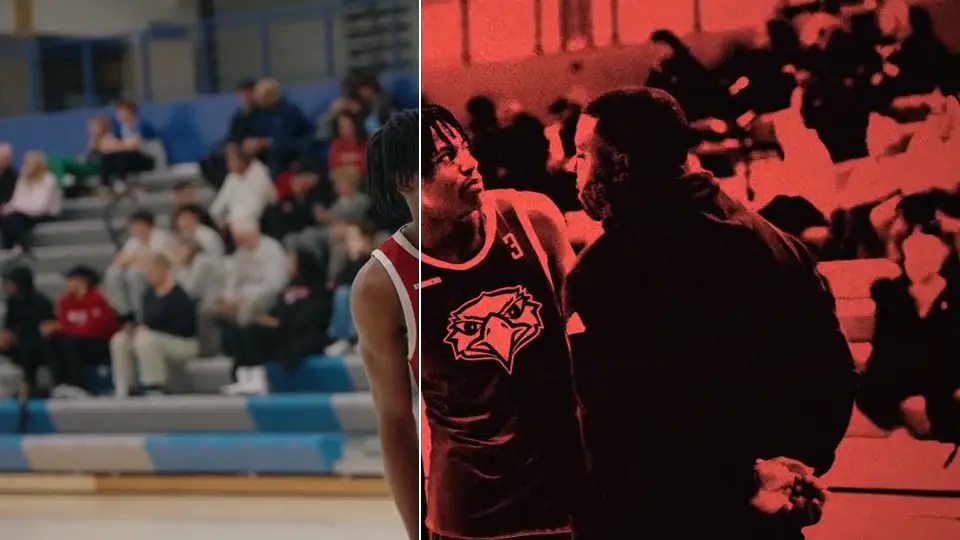
ROOK Outside Presets
Instant download · One-time payment
12 Lightroom presets tuned for outdoor light: fields, courts, track.
439 photographers and editors have bought from ROOK
Built for outdoor light
Import once, then it’s one tap per photo.
Import once
Free Lightroom app: Presets, Yours, Import Presets. Desktop: File, Import Profiles & Presets.
Tap a preset
Open a game shot and tap the look. Tweak it if you want to. Most people don’t.
Export
Post it. Same look on every photo from the game.
12 presets, every kind of daylight
Fields, courts and track. Harsh noon sun, golden hour or overcast: there’s a preset tuned for each, so whatever the sky did that day, you’re covered.
Watch how to install it
Download and import the Outside presets into Lightroom.
Why ROOK
“That’s all you man, God’s given you a gift”
@mr_woodward_ in the DMs“Real work 🙌🏾🔥”
@reasonmediaco on Instagram
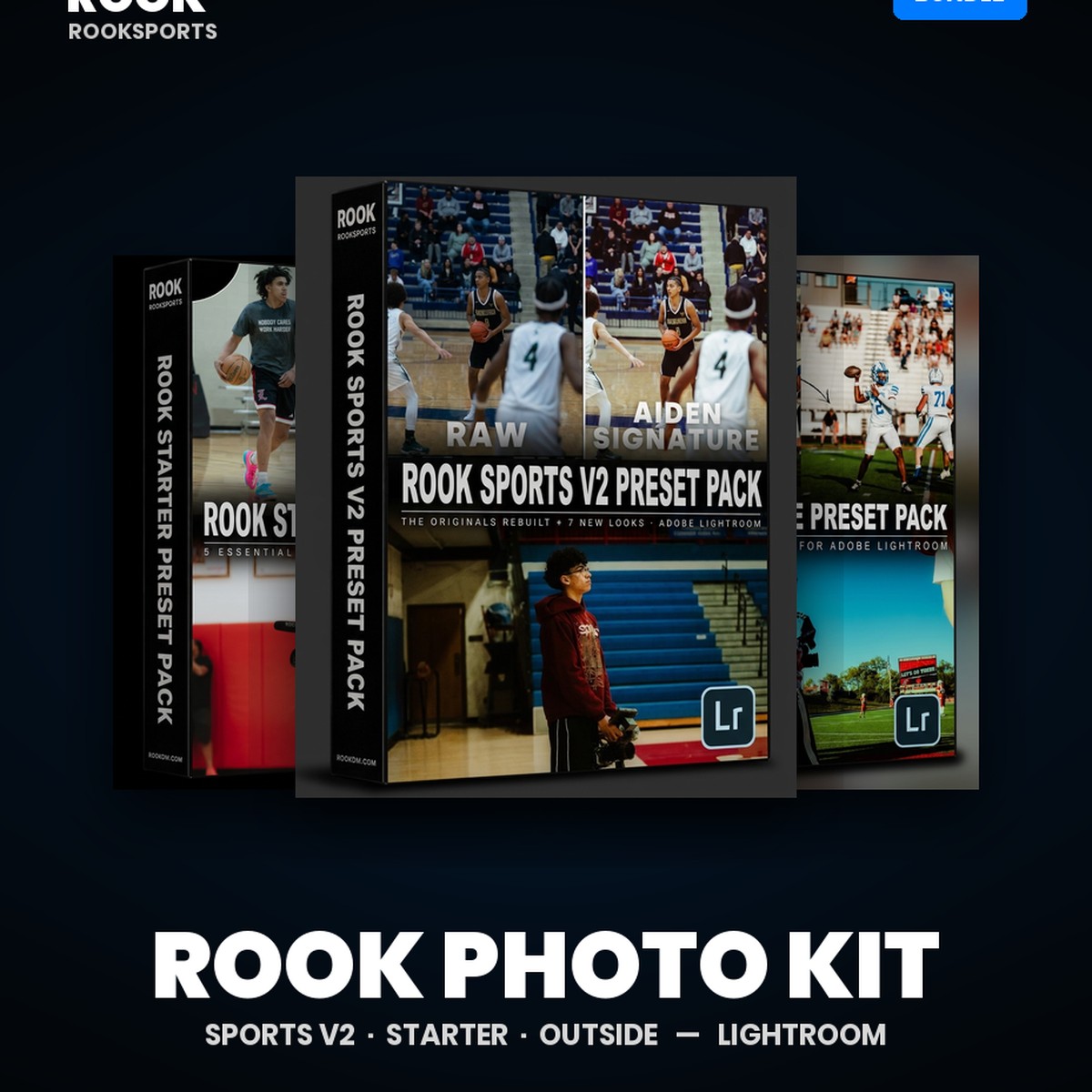
Get it in the Photo Kit
Outside Presets plus every other ROOK Lightroom pack: Sports V2, Starter and Outside. $65 bought separately.
See the Photo Kit: $45FAQ
What photos does it work best on?
Outdoor sports: football, soccer, track, baseball, tennis. Golden hour, harsh noon sun or overcast, there’s a preset tuned for each.
Do these work in the free Lightroom phone app?
Yes. In the app: Presets, then Yours, then Import Presets. On desktop: File, then Import Profiles & Presets. You only need a paid Adobe plan to sync between phone and desktop.
Can I use them on client work?
Yes, on anything you shoot. Don’t share or resell the files.
What if I have issues?
DM us on Instagram or email aiden@rookdm.com. Most install issues are fixed by restarting Lightroom.
No refunds. These are digital files, so once they are downloaded the sale is final.