Proof First
Drag The Handle. See The Difference.
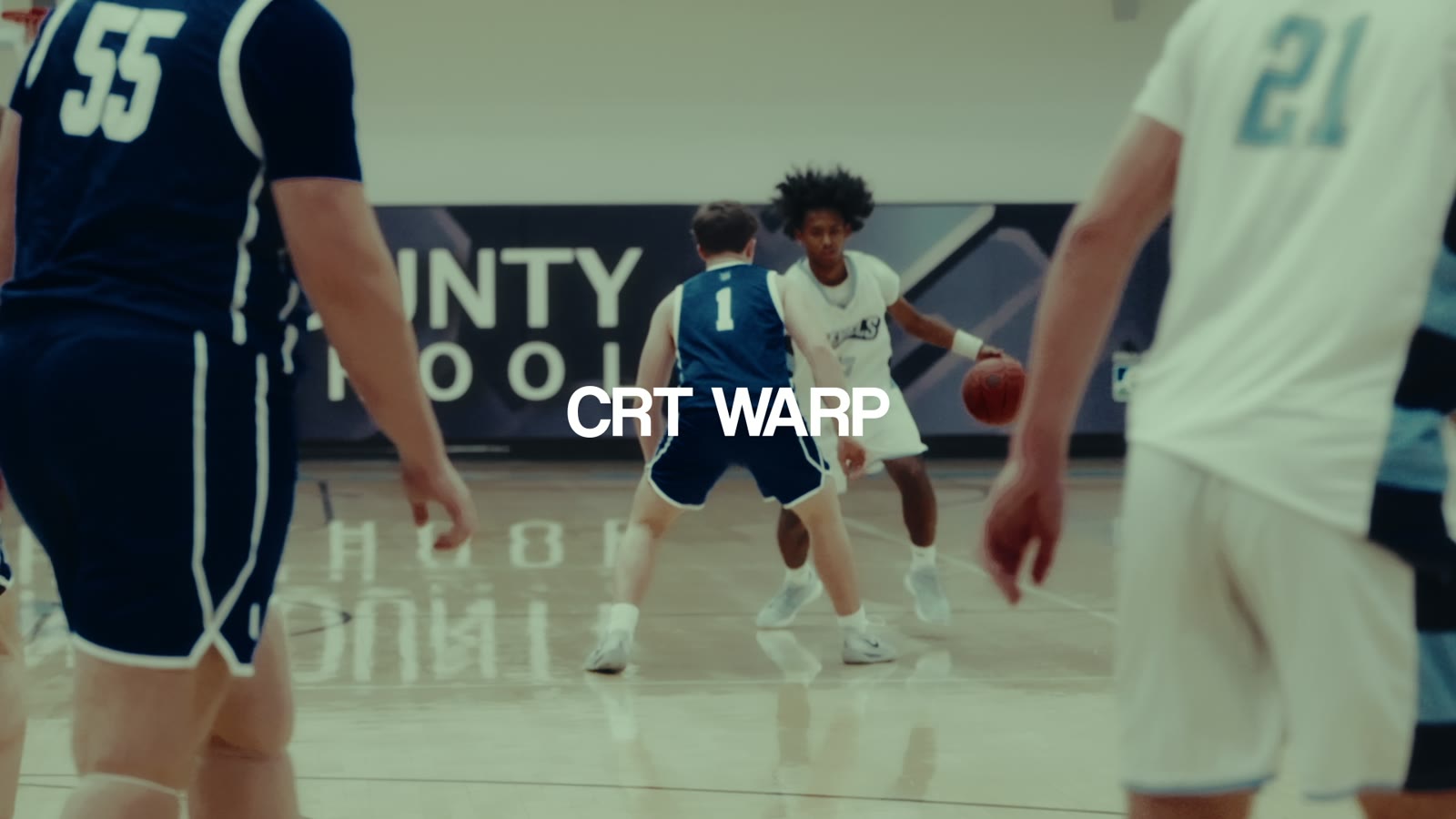
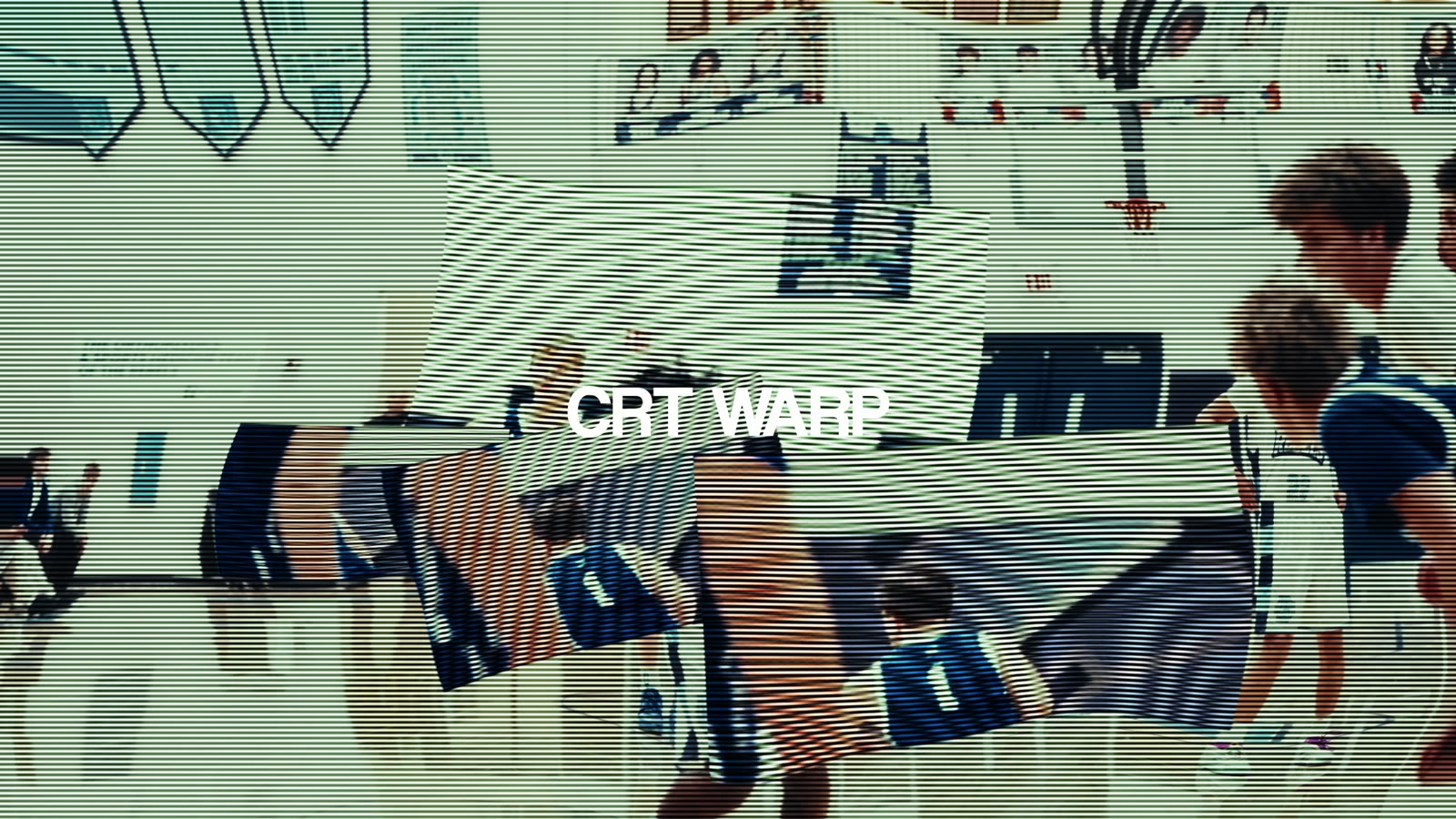
Cut point vs. mid-transition. CRT Warp.
See It Work
From Hard Cut To On-Beat Hit In 30 Seconds
What You Get
Everything In The Pack
16 transitions, all drag-and-drop. If you can cut to a beat, you can make every one of them hit.
- Star FlashA burst of light that lands right on the snare — the cut that makes a mixtape feel like a highlight, not a slideshow.
- Red BlockA hard slab of red that slams the cut shut on the downbeat — built for the drop, impossible to miss.
- Heavy WarpBends the whole frame through the cut — the aggressive momentum that keeps a hype reel moving between plays.
- CRT WarpBroadcast-glitch energy on the beat — and it runs deeper, with looks like Flicker B&W and CRT Blur in the same pack.
Word Of Mouth
Editors Are Already On It
“That slow triplet beat cut was toooo clean 🔥”— @charlesclairvoyance, on Instagram
“peak editing”— @lincolnfry, on TikTok
“W edit”— @leandre_fn, on TikTok
Get The Pack
Rooks Transition Pack
One-time purchase. Yours forever.
Buy Now — $40- Instant download
- Requires DaVinci Resolve Studio
- Video install guide included
- Use on unlimited projects
Want every ROOK effect? Get the ROOK Editor Kit — $69 and save.
Questions
FAQ
Does it work with the free version of DaVinci Resolve?
No — this pack requires DaVinci Resolve Studio. The transitions are built on Studio-only features, so the free version won’t run them. If you’re on Studio, you’re good to go.
How do I install it?
Download, follow the included step-by-step video guide, restart Resolve and all 16 transitions appear in your Effects panel — ready to drag straight onto any cut. Most people are up and running in under five minutes.
What footage does it work best on?
Mixtapes, hype reels, highlight edits — anywhere you’re cutting to music. The transitions are built to land on the beat, and high-motion sports footage is where they hit hardest. But a clean cut is a clean cut: they work on any timeline.
Can I use it on client work?
Yes. Your license covers unlimited personal and commercial projects — client edits, paid gigs, monetized content. The only thing you can’t do is resell or redistribute the files themselves.
What if I have issues?
Reach out through the store or DM us on Instagram/TikTok and we’ll get you sorted. Most install issues are fixed by a Resolve restart — the included guide covers the common ones.
All sales are final. Instant digital download, no refunds.
“What preset is this??” — the comments