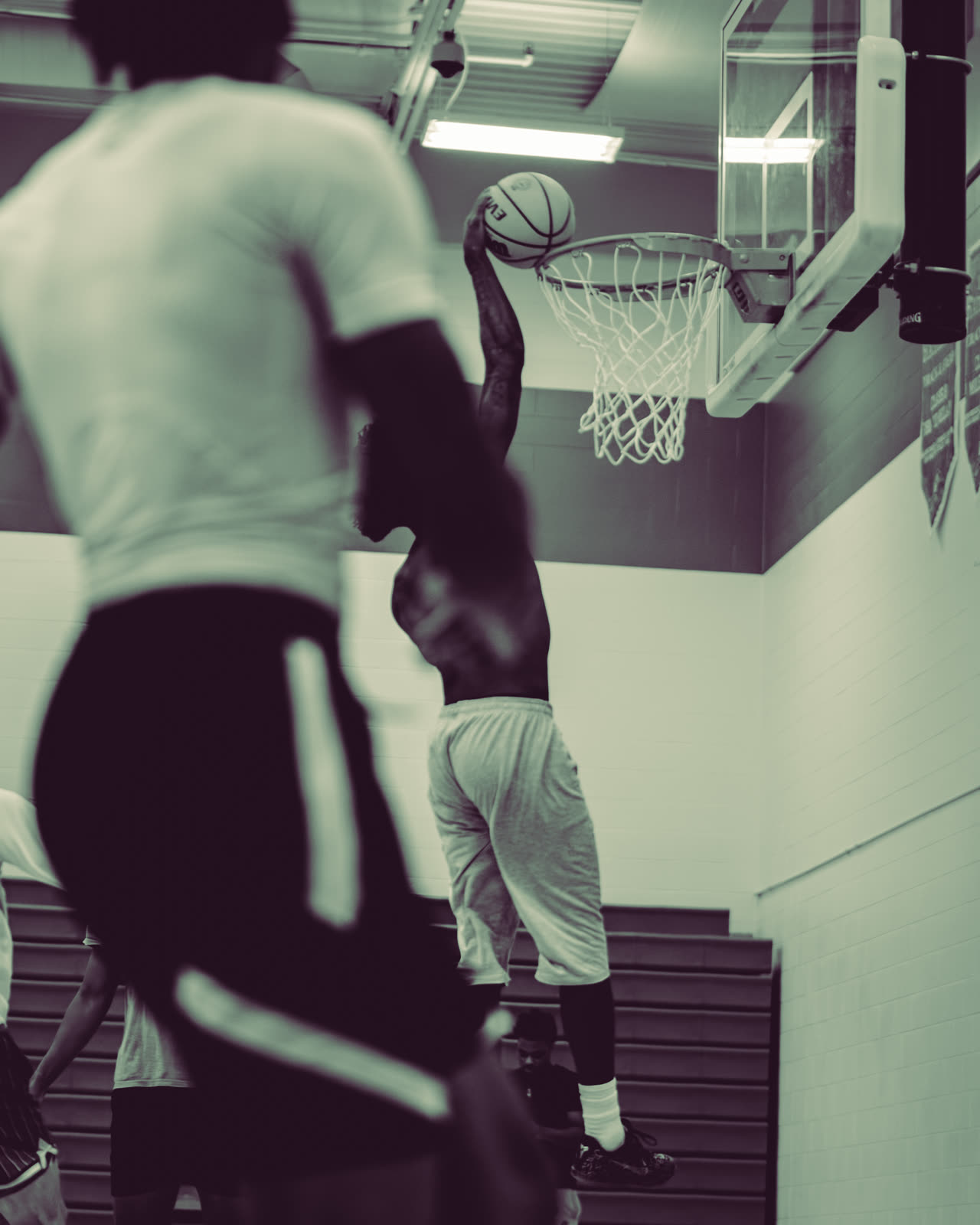
Proof First
Drag The Handle. See The Difference.
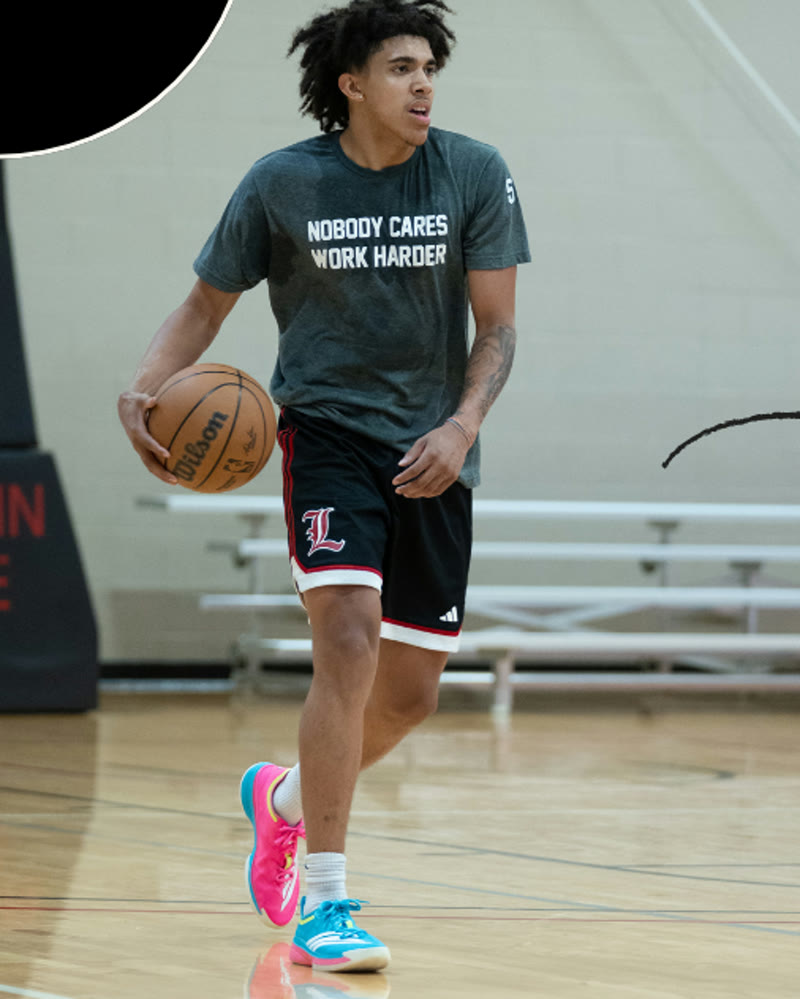
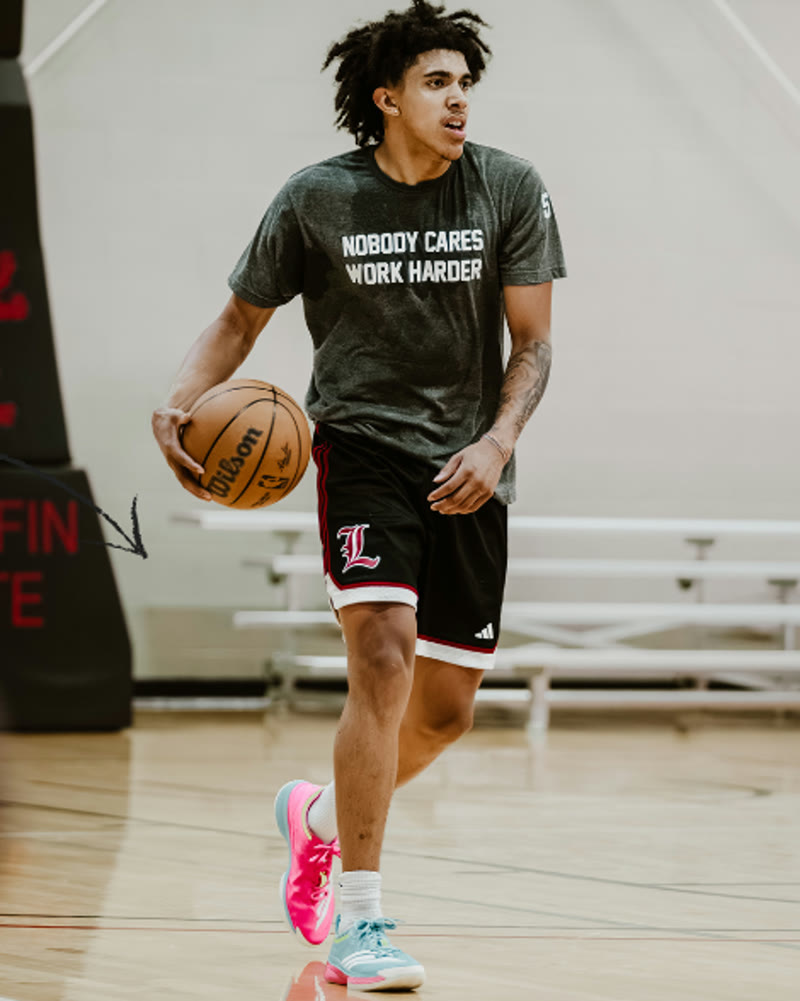
RAW vs. ROOK Signature. Same shot, one tap.
See It Work
From RAW Shot To Signature Look In One Tap
What You Get
Everything In The Pack
Five presets, each built for a shot you actually take. Tap once, edit done, keep shooting.
- ROOK SignatureThe look that started it — the color you see on every ROOK flick, in one tap.
- Aura Black & WhiteClean, punchy mono for hype shots — not a washed-out desaturate.
- Color Pop OutsideSun-proof color for fields, courts, and track — daylight photos that finally pop.
- Outside FilmA film-inspired outdoor tone — your game-day shots with that timeless grain-and-fade feel.
- Dark Gym FixBuilt for underexposed gyms — rescues dark, muddy shots you almost deleted.
Word Of Mouth
Shooters Are Already On It
“EDIT”— the comments, every time we post the Signature preset (@omocaptures._, @dayyvisuals, @shot.byfoley + more)
“Listen to this guy, he knows ball”— @jvazquezboii, on TikTok
“bet you got me fire flics n vids. i’m hiring 🫡”— @tylen.riley, in the DMs
Get The Pack
Rook Starter Preset Pack
One-time purchase. Yours forever.
The cheapest way to try the ROOK look.
Buy Now — $15- Instant download
- Works with Adobe Lightroom & Lightroom Mobile
- Use on unlimited projects
Want every ROOK effect? Get the ROOK Photo Kit — $45 and save.
Questions
FAQ
Do these work with Lightroom Mobile?
Yes — the presets are built for Adobe Lightroom, and once imported on desktop they sync to Lightroom Mobile through your Adobe account, so you can edit from your phone too.
How do I install it?
Your download includes the 5 .xmp preset files plus a step-by-step video install guide. Import them into Lightroom once (File > Import Profiles & Presets), then apply any look to any photo with a single tap. Setup takes a couple of minutes, one time.
What photos do they work best on?
Sports photos — that’s what every preset was tuned on. Two looks for outdoor daylight, one built specifically to rescue underexposed gym shots, and the Signature and B&W looks work on anything you shoot.
Can I use it on client work?
Yes. Your license covers unlimited personal and commercial projects — client shoots, paid gigs, monetized content. The only thing you can’t do is resell or redistribute the files themselves.
What if I have issues?
Reach out through the store or DM us on Instagram/TikTok and we’ll get you sorted. Most install issues are fixed by a Lightroom restart — the included guide covers the common ones.
All sales are final. Instant digital download, no refunds.
“What preset is this??” — the comments